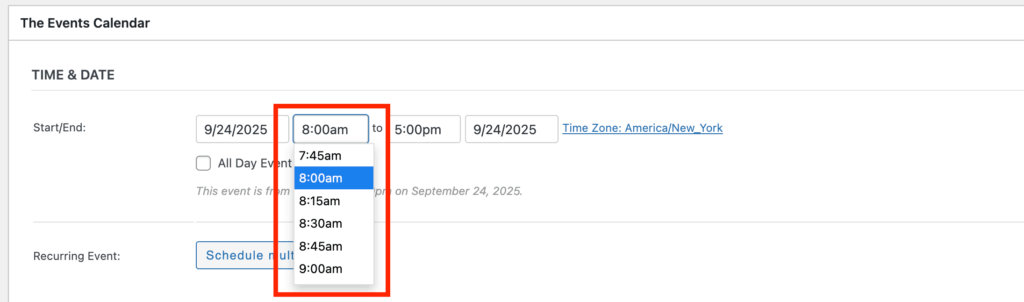
By default, The Events Calendar displays event times in the dropdown at 30-minute increments (e.g., 10:00, 10:30). However, there are ways to customize this behavior to allow more precise time selection.
1) Entering Custom Times Manually:
Even with the default 30-minute dropdown, you can manually type a time in 15-minute increments (or any other interval) directly into the time input field, such as:
- 10:15
- 10:45
2) Changing the Dropdown Interval
If you want the dropdown itself to display 15-minute intervals (or other custom intervals), you can use the tribe_events_meta_box_timepicker_step filter. This requires adding a small code snippet to your site.
Note: This snippet works only in the Classic Editor but will not work when using the Block Editor.
Steps:
1) Install and activate the Code Snippets plugin.
2) Add a new snippet with the following code:
function my_custom_tribe_timepicker_step( $step ) {
    return 15; // Change this value to your desired interval in minutes
}
add_filter( 'tribe_events_meta_box_timepicker_step', 'my_custom_tribe_timepicker_step' );
3) Save and activate the snippet.
4) Now, the time dropdown will display increments based on the value you set (e.g., 15 minutes).