
If you’re using the Community plugin for managing event submissions, you might have noticed that after submitting an event, users are typically redirected to a default success page. While this may be straightforward, it doesn’t always align with your website’s objectives or user experience strategy. This is where customizing the redirect page can offer significant benefits, enhancing user engagement and effectively promoting your brand.
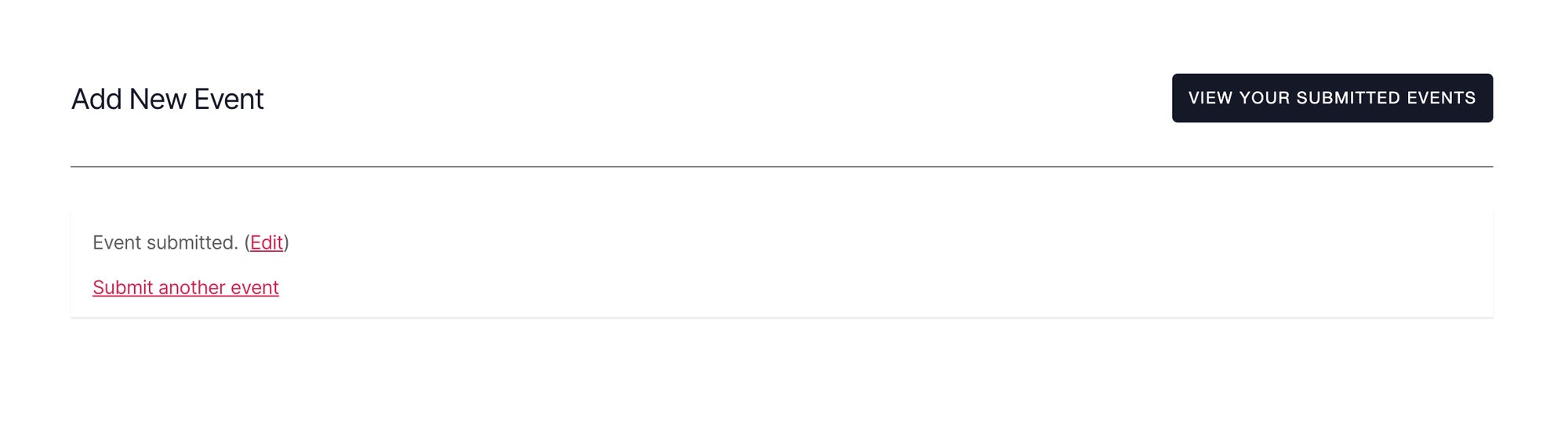
Why Custom Redirect Pages Matter
When users submit an event, it’s essential to deliver a seamless and cohesive experience. Default success pages often lack personalization and can feel disconnected from the overall user journey. By redirecting users to a custom page, you gain the following advantages:
1. Branding Opportunities: A custom success page enables you to incorporate your branding elements, such as logos, colors, and specific messaging, that reinforce your brand identity. This can leave a lasting impression on users and enhance brand recognition.
2. Offering Relevant Information: You can provide additional information relevant to the event they just submitted, such as approval process for submissions, recommendations for future participation, or even promotional content. This keeps users engaged and encourages them to return.
3. Increased User Engagement: A personalized experience can lead to higher user satisfaction. When users feel recognized and valued, they are more likely to explore your site further, sign up for newsletters, or share your content with their networks.
4. Data Tracking and Analytics: By directing users to a specific page, you can set up conversion tracking more effectively. This helps you assess the effectiveness of your event submission process and adjust strategies accordingly.
The Snippet
Now that you are sold on why redirecting to a custom page is essential, here’s the code snippet you can add to your site to achieve that:
Be sure to replace /sample-page/ with the URL of the page on your site, you want users to be redirected to.
Here’s how you can add the PHP code snippet to your site,
How to Add Custom PHP Code Snippets to WordPress Site
For Developers
- tribe_community_event_save_updated
- tribe_is_event
- window.location.href