
If you’ve noticed that a plugin doesn’t appear active immediately after the update, we understand how concerning and disruptive that can be, especially when you’re managing important event workflows across multiple sites.
We want to assure you that your expectations for stability and reliability are completely valid, and we’re here to help you work through these problem.
What’s causing this behavior?
There may be a short delay after an update before WordPress completes all post-update processes. During this time, it might appear that a plugin hasn’t reactivated, even though background tasks like file migrations or internal cleanup are still underway.
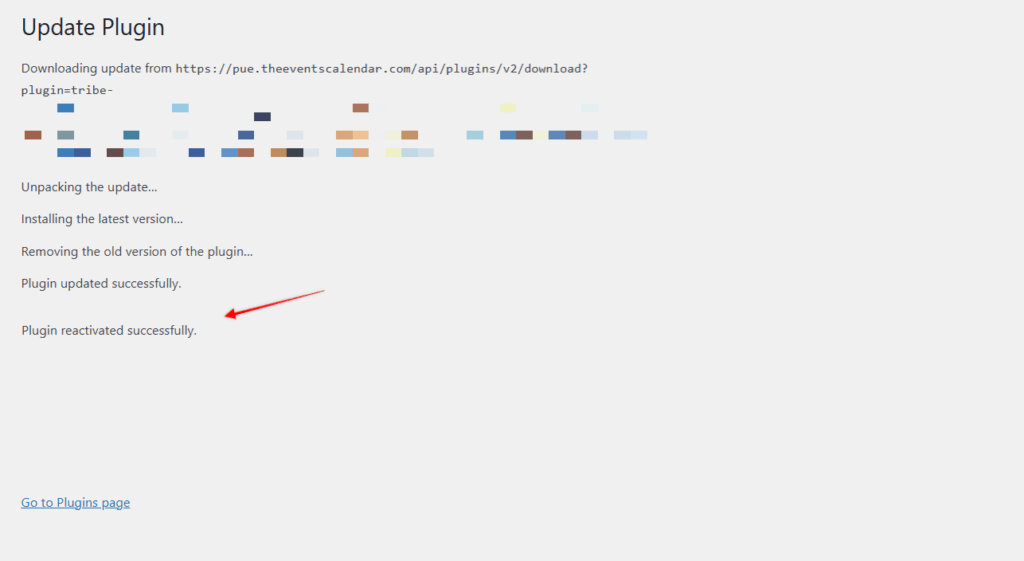
Usually, WordPress will display a message like “Plugin reactivated successfully” once it’s finished. If the page is closed or refreshed too early, this process can be interrupted, which may result in the plugin remaining inactive.
What You Can Do
- After updating, wait a few extra moments on the update screen before navigating away
- If you don’t see a reactivation message, try manually activating the plugin again from the Plugins page
- Once reactivated, revisit any affected events or tickets to confirm they’re restored
Still Having Trouble?
If the issue continues after following the steps above, please contact our support team so we can investigate further.