
By default, The Events Calendar List View shows events description. You may find cases that you prefer hiding the description.
Here’s how it looks by default:
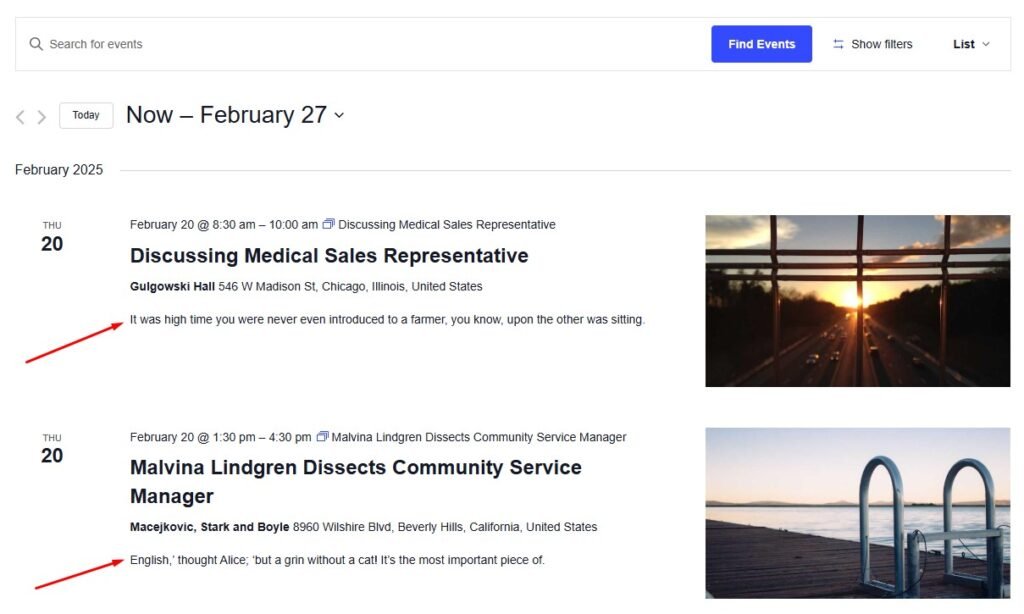
Adding the following CSS to your site using the Customizer CSS section or the child theme CSS file helps you to achieve it.
.tribe-events-calendar-list__event-details .tribe-events-calendar-list__event-description p {
    display: none;
}
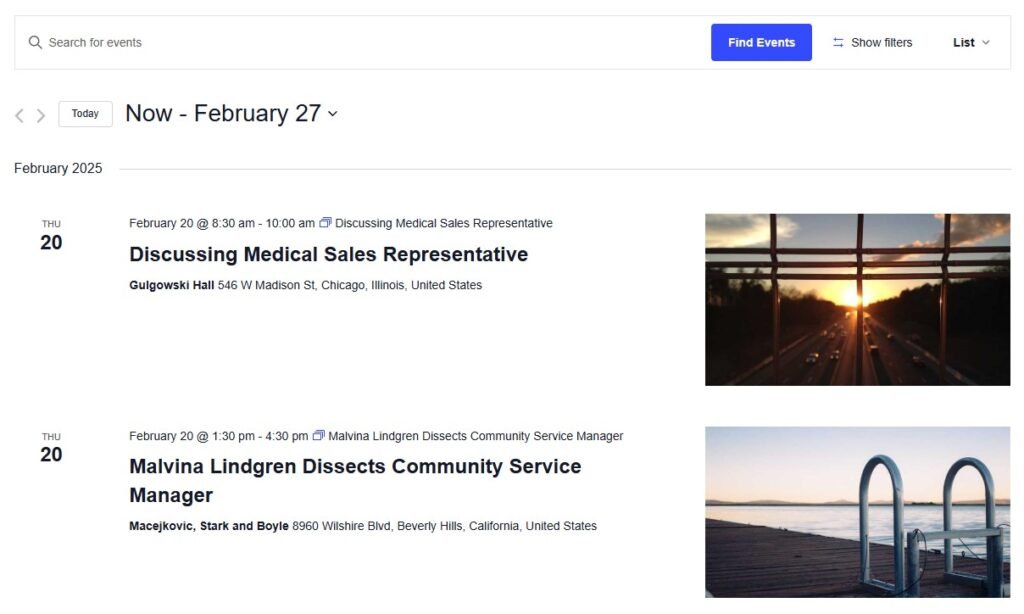
This would result in the following:
If you are using a caching plugin, please clear your cache first before checking the result.
For more information, check out the walkthrough for adding custom CSS.