
When we create a new event with the Events Calendar plugin, by default, the start time is 8:00 am and the end time is 5:00 pm.
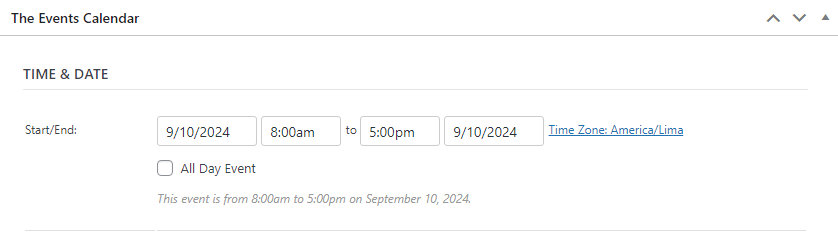
While it is true that we can change them to our convenience, it can be useful to modify these default values so that every time we create new events, we have the start and end times customized to the hours we use the most.
The following code snippet will help us achieve this and customize our plugin:
add_filter( 'tribe_events_meta_box_timepicker_default', 'my_custom_timepicker_defaults', 10, 3 );

function my_custom_timepicker_defaults( $default, $type, $date ) {
    if ( $type == 'start' ) {
       return "09:00:00";
    }

    if ( $type == 'end' ) {
       return "16:00:00";
    }

    return $default;
}
Of course, we can modify lines 5 and 9 to adjust the times we need.
If you are wondering how or where to add this code snippet, you can refer to this Using Custom Code Snippets guide.